WORK SMARTER, NOT HARDER.

Hit the API.
Track the Count.

The easiest way to persist numbers on the web. No SDKs, no complex auth—just public keys and a standard GET request.

Get Started Open Source and Always Free.
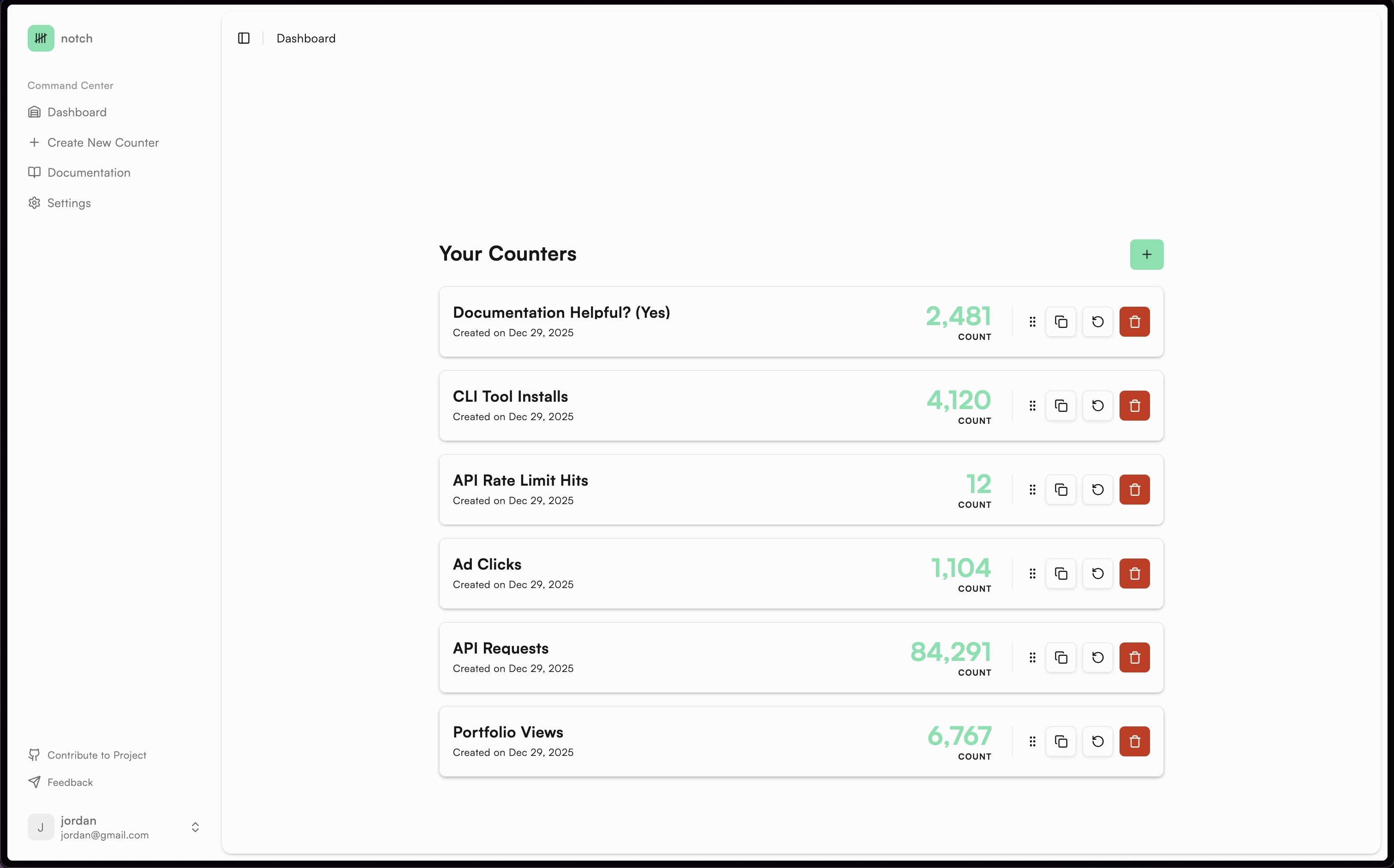
Dashboard View of Notch

Built for Speed and Designed for Developers.

Public Key Authentication

Security without the friction. Use your Public Key to safely make client-side requests directly from your frontend code. No need to hide keys in a proxy server for basic increment actions.

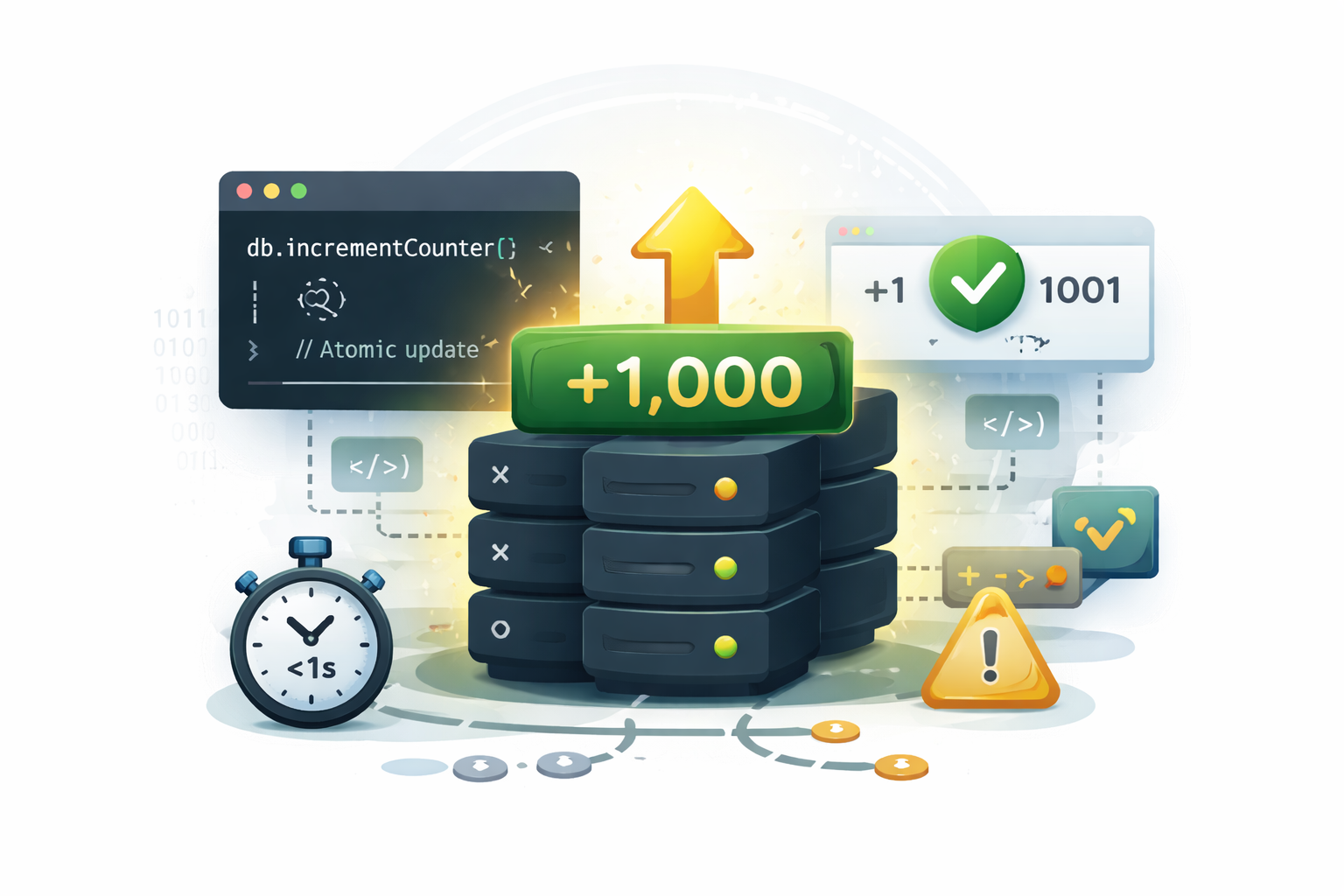
Atomic Increment

Avoid race conditions and data loss. Notch handles atomic updates at the database level, ensuring your counters remain accurate even during high-concurrency traffic spikes.
Global State, Local Access

Turn any static site into a dynamic one. Use Notch to power "Like" buttons, view counters, or milestone trackers on platforms like Vercel, Netlify, or GitHub Pages without a backend.

JSON-First Architecture

Get clean, structured data every time. Our lightweight API returns predictable JSON payloads, making it easy to integrate with React, Vue, or even a simple curl command in a terminal.

Keep Track of Clicks,
Seamlessly.

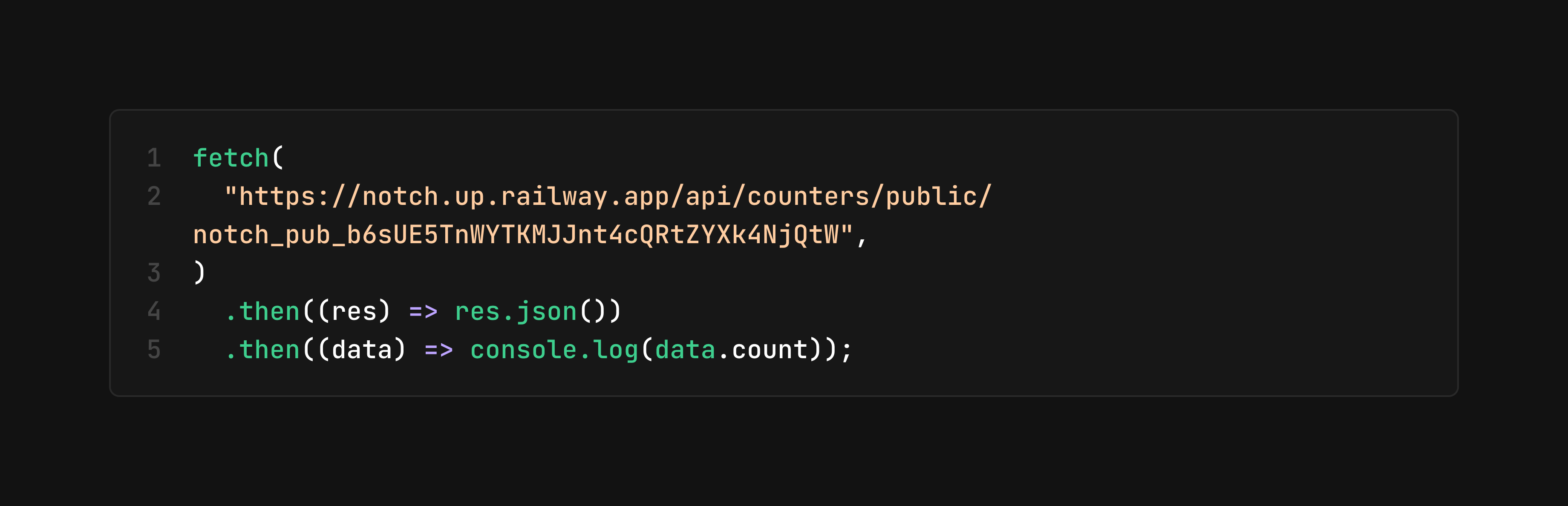
Ditch the database boilerplate. Just fire off a simple HTTP request with your Public Key to increment or fetch counter state instantly from any frontend or backend environment.

Code Snippet showcasing how easy Notch is to use.

Frequently Asked Questions

  • Is Notch free for use?

    Yes! Notch is open source and is completely free to use.

  • Do I need to create an account to use the app?

    Yes. You must create an account by providing an email and a password to begin using Notch.

  • How do I create a new counter?

    Creating a counter is simple and happens instantly. Once you're logged in, click the "Create New Counter" tab on your sidebar. Give your counter a name (like "Blog Visits" or "Ad Clicks"), and hit create. It will appear on your dashboard immediately.

  • How do I make requests using my Public Key?

    Once you have created a counter, you will have the option to copy the public key to your clipboard. From there, you make HTTP requests to our API in whatever format you need. Visit the documentation for more information.

  • What data format does the API return?

    The API returns lightweight JSON objects. A typical response for a counter request includes the current count, the counter ID, and a timestamp of the last update, making it easy to parse in any language.

Begin creating counters that fit your needs.

Open Source, and always free.

charts charts-dark